Computer vision is an interdisciplinary scientific field that deals with how computers can gain high-level understanding from digital images or videos. From the perspective of engineering, it seeks to understand and automate tasks that the human visual system can do.
Applications of Computer Vision
There are many examples of computer vision applied because its theory spans any area where a computer will see its surroundings in some form. Below are examples of computer vision
- Autonomous Vehicles - Self-driving cars need to gather information about their surroundings to decide how to behave.
- Facial Recognition
- Businesses and personal electronics use facial recognition technology to "see" who is trying to gain access to something. It has become a powerful security tool.
- Image Search and Object Recognition - Many applications use data vision theory to identify objects within images, search through catalogues of images, and extract information out of images.
- Robotics - Most robotic machines, often in manufacturing, need to see their surroundings to perform the task at hand. In manufacturing machines may be used to inspect assembly tolerances by "looking at" them.
Movement Detection using OpenCV
Motion detection or Movement detection is the process of detecting a change in the position of an object relative to its surroundings or a change in the surroundings relative to an object. Detection of Motion can be achieved by either mechanical or electronic methods.When motion detection is accomplished by natural organisms, it is called motion perception.
In this project, I created a tool that is capable of detect movement in a Video using OpenCV and Python
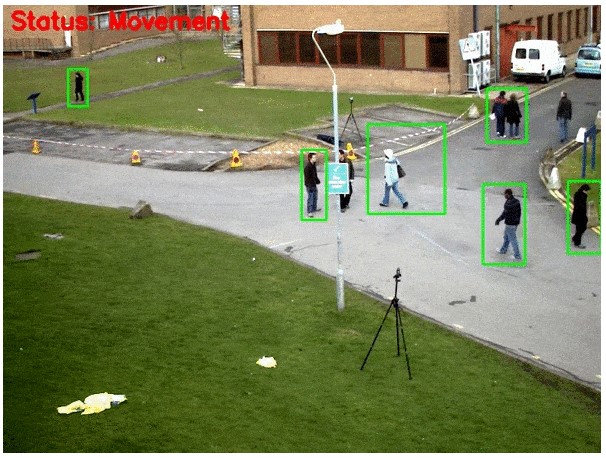
Full Video
Click HereColor Filtering
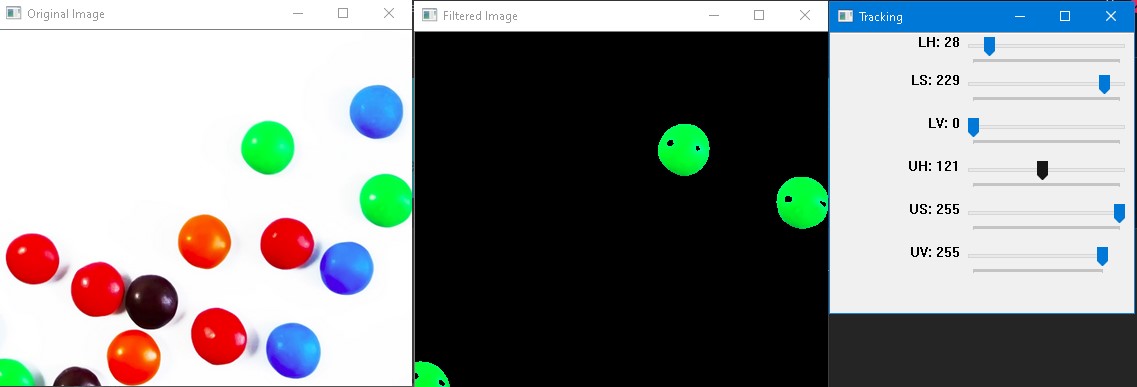
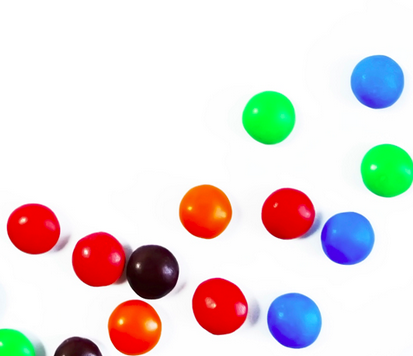
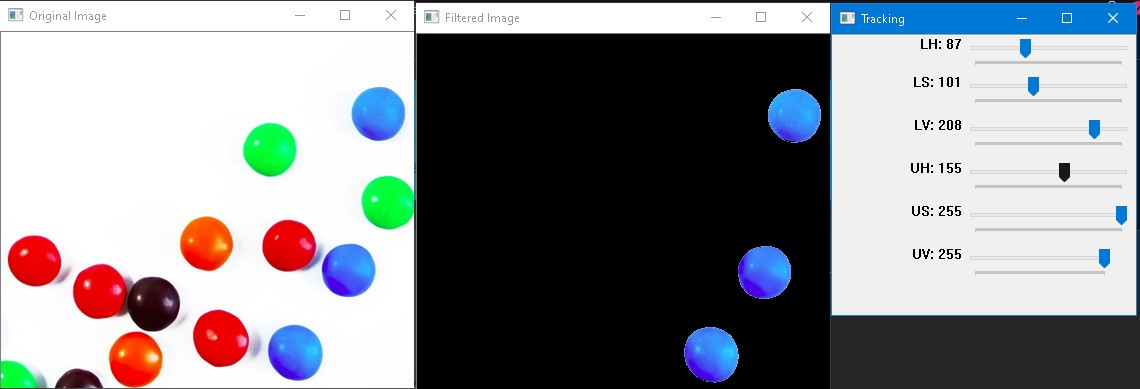
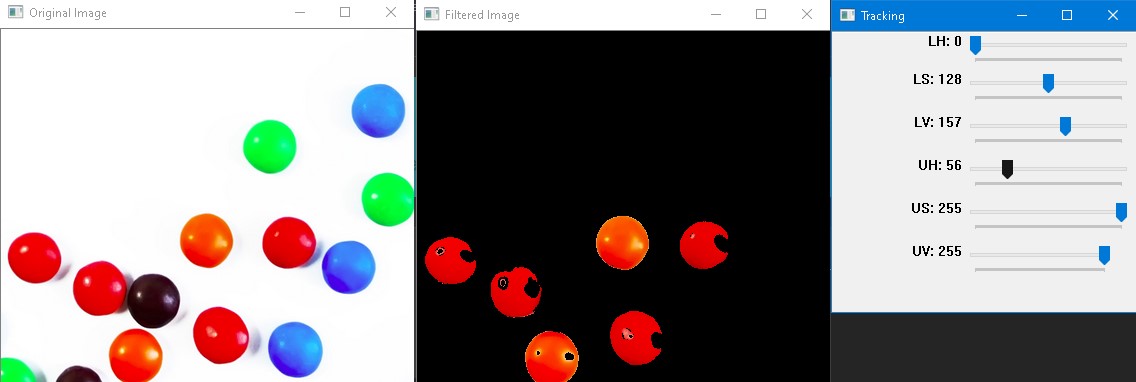
Image filtering changes the range (i.e. the pixel values) of an image, so the colors of the image are altered without changing the pixel positions, while image warping changes the domain (i.e. the pixel positions) of an image, where points are mapped to other points without changing the colors. In this section I filtered some images by color
Original Image
Blue Filter
Red Filter
Green Filter